Introduction #
DingTalk Single Sign-On (SSO) allows enterprise users to log in to SmartChart using their DingTalk accounts. Identity authentication is implemented via the OAuth2.0 protocol. After creating an app on the DingTalk open platform, configure the callback URL to complete integration.
How It Works #
- User clicks DingTalk login → redirected to DingTalk authorization page
- User authorizes → DingTalk calls back with code to the platform
- Platform exchanges code for user info → creates/verifies local session
DingTalk Developer Platform Setup #
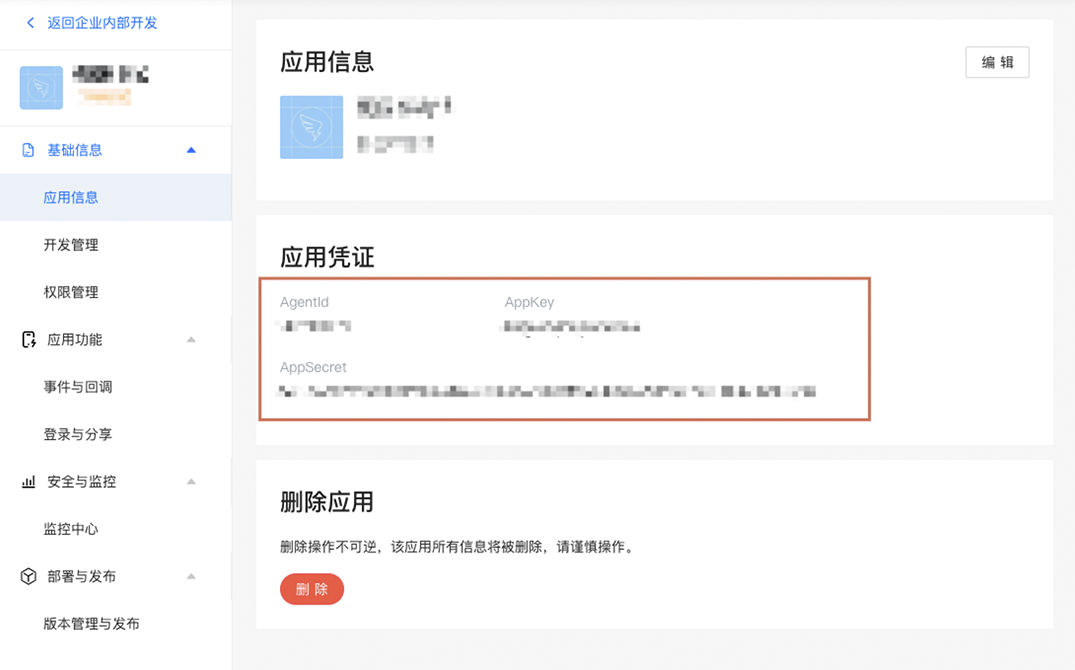
- In the developer console, select Enterprise Internal Development, then create an app
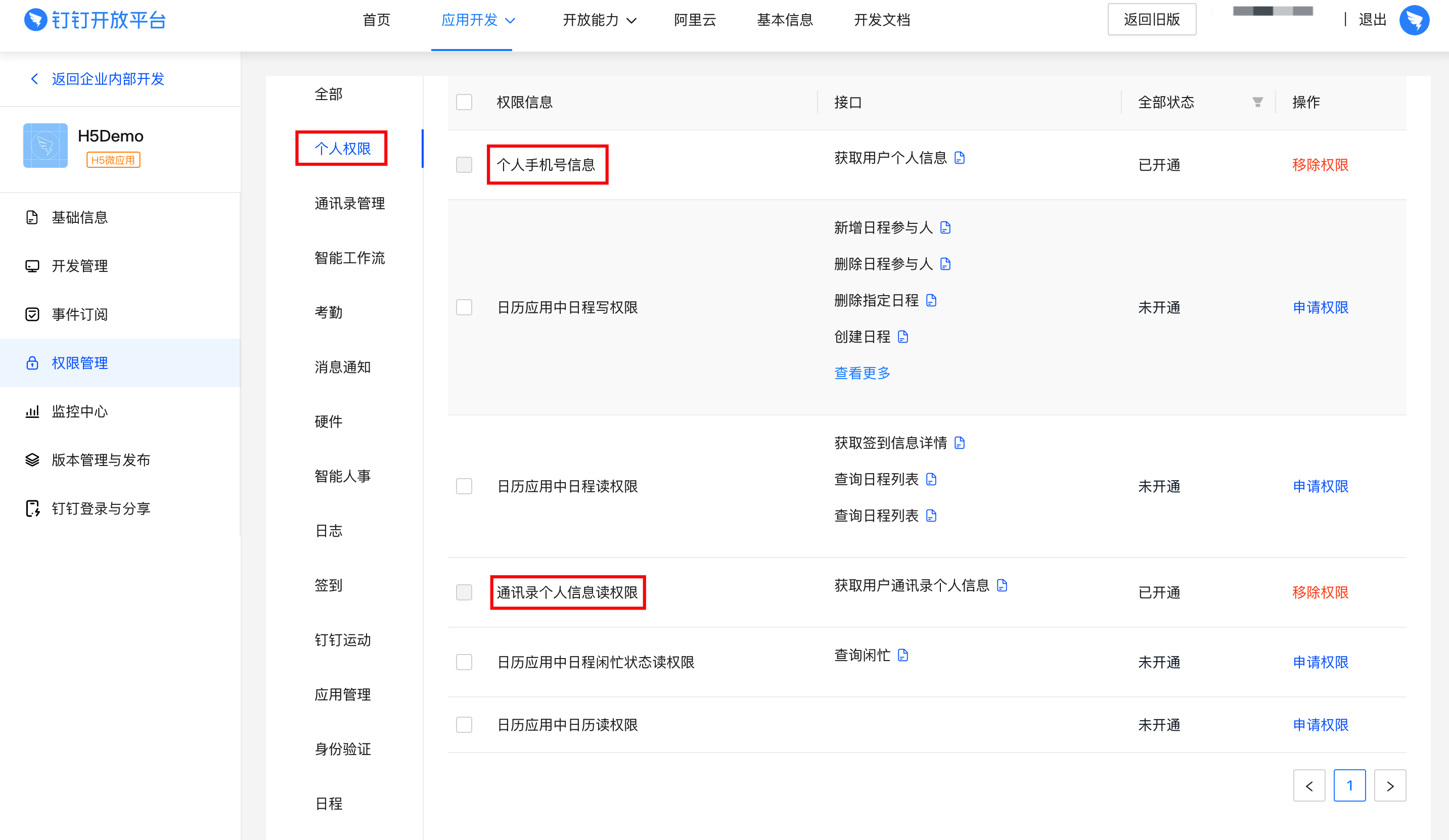
- Click Permission Management and add API call permissions per the configuration below
- Select scope: All employees
- Under Personal Permissions, apply for personal phone info and contacts read permissions
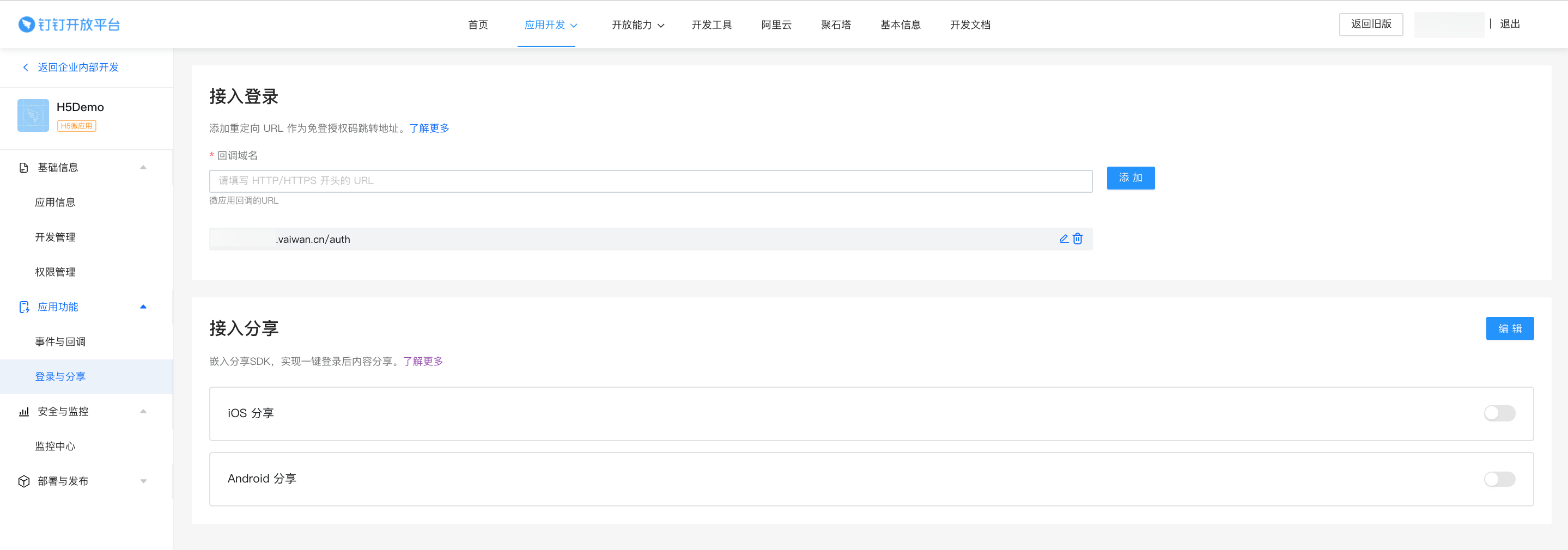
- Set the callback domain under DingTalk Login & Sharing:
e.g.: http://localhost:8000/echart/dd_login
Add to Service Configuration #
{
  "_DD": {
    "APPKEY": "dingxxxxx",
    "APPSECRET": "xxxxxxx"
  },
  "_dingding": "https://login.dingtalk.com/oauth2/auth?redirect_uri=http://localhost:8000/echart/dd_login&state=STATE&response_type=code&client_id=dingxxx&scope=openid&state=STATE&prompt=consent"
}